Disable Chat Option
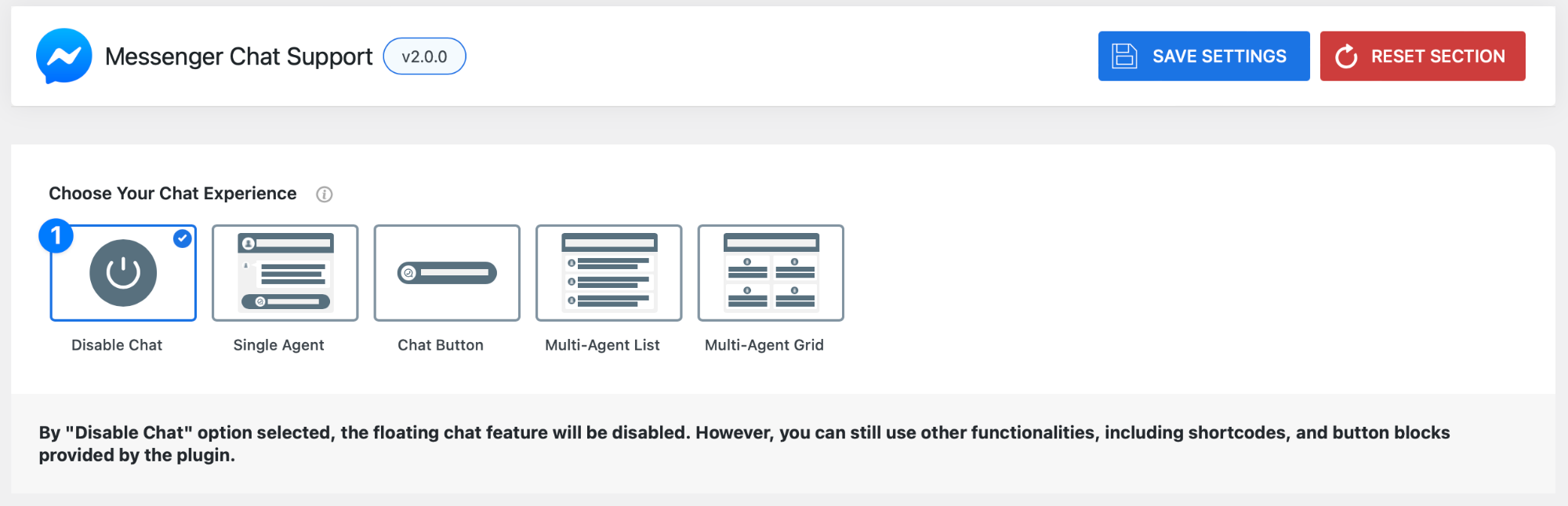
- When Disable Chat is selected, the floating chat widget will no longer appear on your site.
However, you can still use other features provided by the plugin, including:
- Shortcodes
- Gutenberg blocks
- Custom chat buttons
This gives you full control over where and how chat appears on your website.
Save Your Settings
Once you’ve selected your preferred chat experience, click Save Settings to apply your changes.
Reset Section
Use the Reset Section button to quickly restore all settings in this section back to their default state.
Pro Tip
If you want a clean and minimal experience, go with Chat Button.
If you want to showcase your full support team, Multi-Agent Grid is the best choice.